Chameleon Store Studio
Store screenshots as code for Jetpack Compose and Compose Multiplatform.
Chameleon Store Studio turns @Composable functions into the screenshots, feature graphics and listing
assets that Google Play and the App Store require. It renders them headlessly (no emulator, no
device), exports them at the exact sizes each store accepts, validates them against store rules, lets
you review visual and text changes in pull requests, and can publish them to the store consoles.
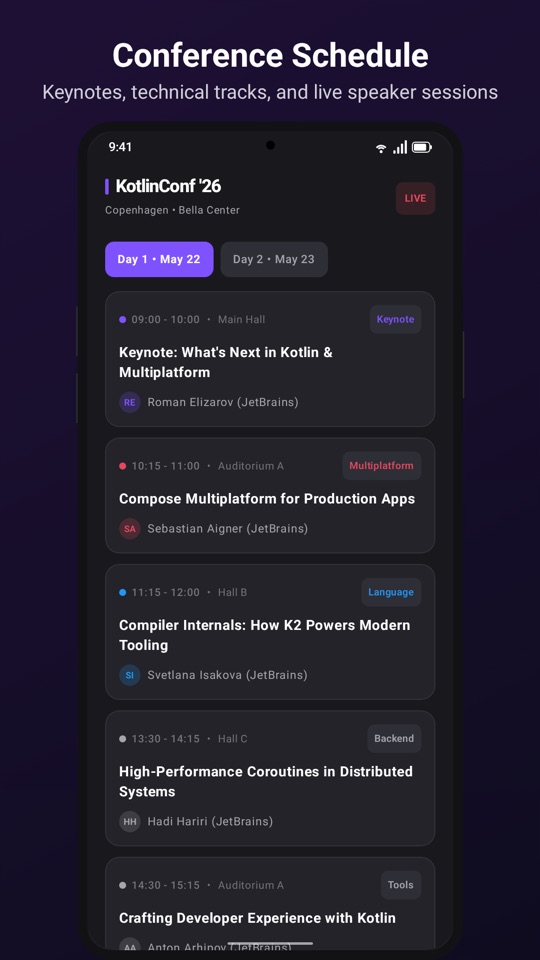
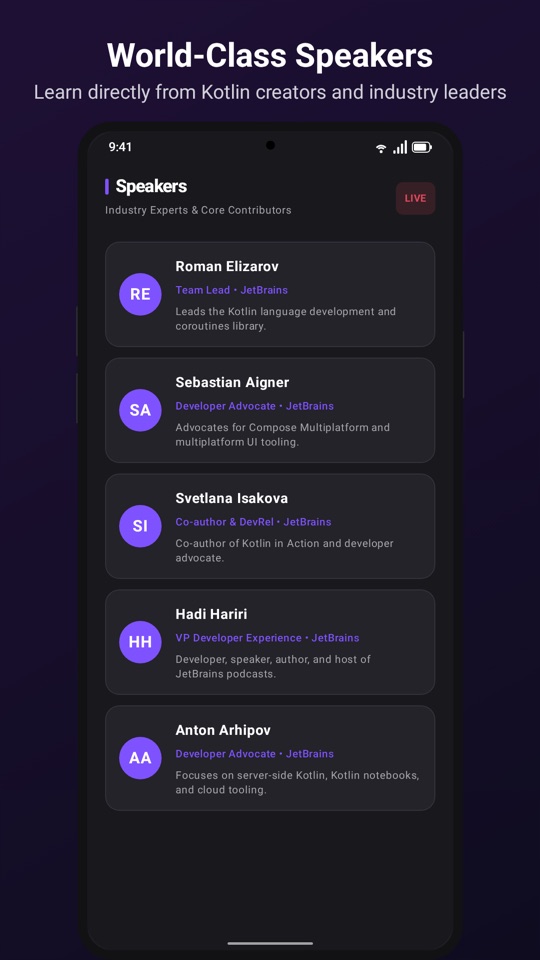

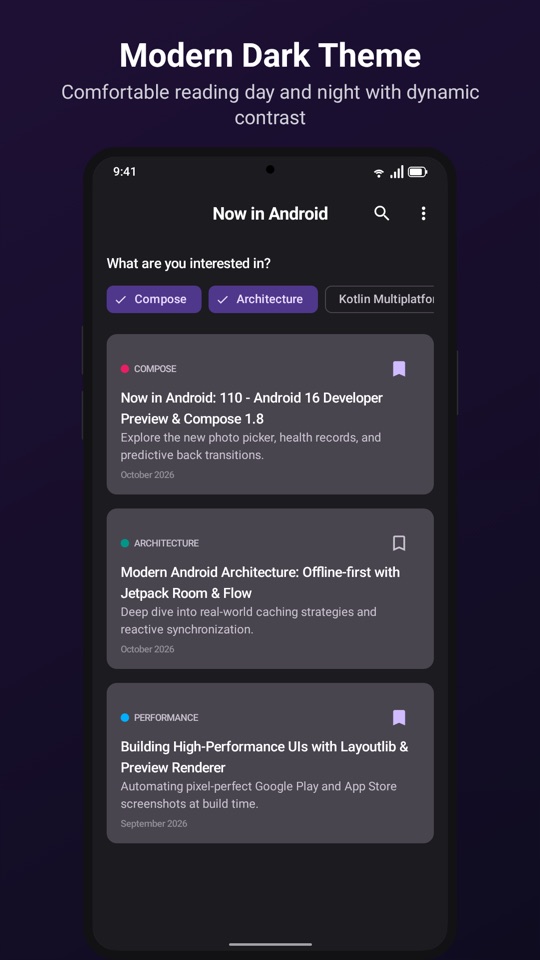
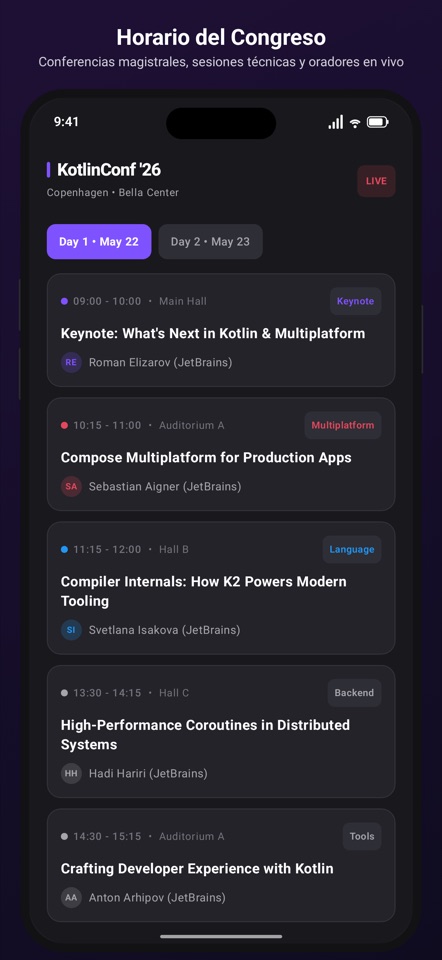
Real output of the samples: every image above was rendered from Compose
code by ./gradlew storeExport.
Inspired by compose-nav-graph
Chameleon Store Studio is heavily inspired by compose-nav-graph by skydoves, whose approach to turning Compose code into reviewable artifacts with a Gradle plugin and an IDE tool window shaped this project.
Experimental until 1.0.0
The DSL, annotations and artifact formats may still change between 0.x releases. See
Stability.
How it works
flowchart LR
    A["@StoreScreenshot<br/>composables"] -->|KSP| B[Manifest]
    B --> C[Render<br/>Layoutlib + Robolectric fallback]
    C --> D[Export<br/>exact store sizes]
    D --> E[Validate<br/>store rules]
    D --> F[Baselines & diff]
    E --> G[Reports & IDE]
    F --> G
E --> H[Publish<br/>Google Play / App Store]- Write a screenshot as a top-level composable annotated with
@StoreScreenshot, using your real screens inside aStoreScreenshotCanvaswith headlines and device frames. - Render every screenshot for every store, device and locale with
./gradlew storeExport. - Check the result with
storeValidate, the HTML reports or the IDE plugin. - Review changes in pull requests with baselines and visual diffs, and publish to the consoles when you are ready.
Components
| Component | What it does |
|---|---|
Gradle plugin dev.ribod.storestudio |
Discovers screenshots, renders, exports, validates, diffs, reports and publishes. |
Annotations store-studio-annotations |
@StoreScreenshot and @StoreFeatureGraphic to mark composables. |
KSP processor store-studio-ksp |
Validates annotated functions at compile time and writes the screenshot manifest. |
Runtime store-studio-runtime |
Compose building blocks for screenshots: canvas, headlines, device mockups, backgrounds. |
Testing store-studio-testing |
Robolectric runner used by the fallback renderer. |
| IDE plugin | A tool window for Android Studio and IntelliJ IDEA to browse, preview, diff and validate assets. |
The Gradle plugin adds the annotations, runtime and KSP processor to your module automatically, so applying the plugin is usually all the setup you need.
Where to start
-
The problem it solves and what it deliberately doesn't do.
-
Your first exported screenshot in a few minutes.
-
Stores, devices, locales and every option of the
storeStudio { }DSL. -
Browse and review assets without leaving Android Studio.