HTML Reports
Chameleon Store Studio generates self-contained HTML reports that you can open locally, attach to CI runs or share with designers and product managers who don't use Android Studio. Each report is a single file with light and dark themes.
| Report | Task | Output |
|---|---|---|
| Gallery | storeGallery (exportStoreGalleryHtml) |
build/store/reports/gallery.html |
| Store listing preview | storeListingPreview (exportStoreListingPreviewHtml) |
build/store/reports/listing-preview.html |
| Visual diff | storeDiffReport (exportStoreDiffHtml) |
build/store/reports/diff.html, diff-summary.md |
The storeStudio lifecycle task generates the gallery and listing preview (unless disabled with
reports.htmlGallery / reports.storeListingPreview), together with validation and baseline
verification.
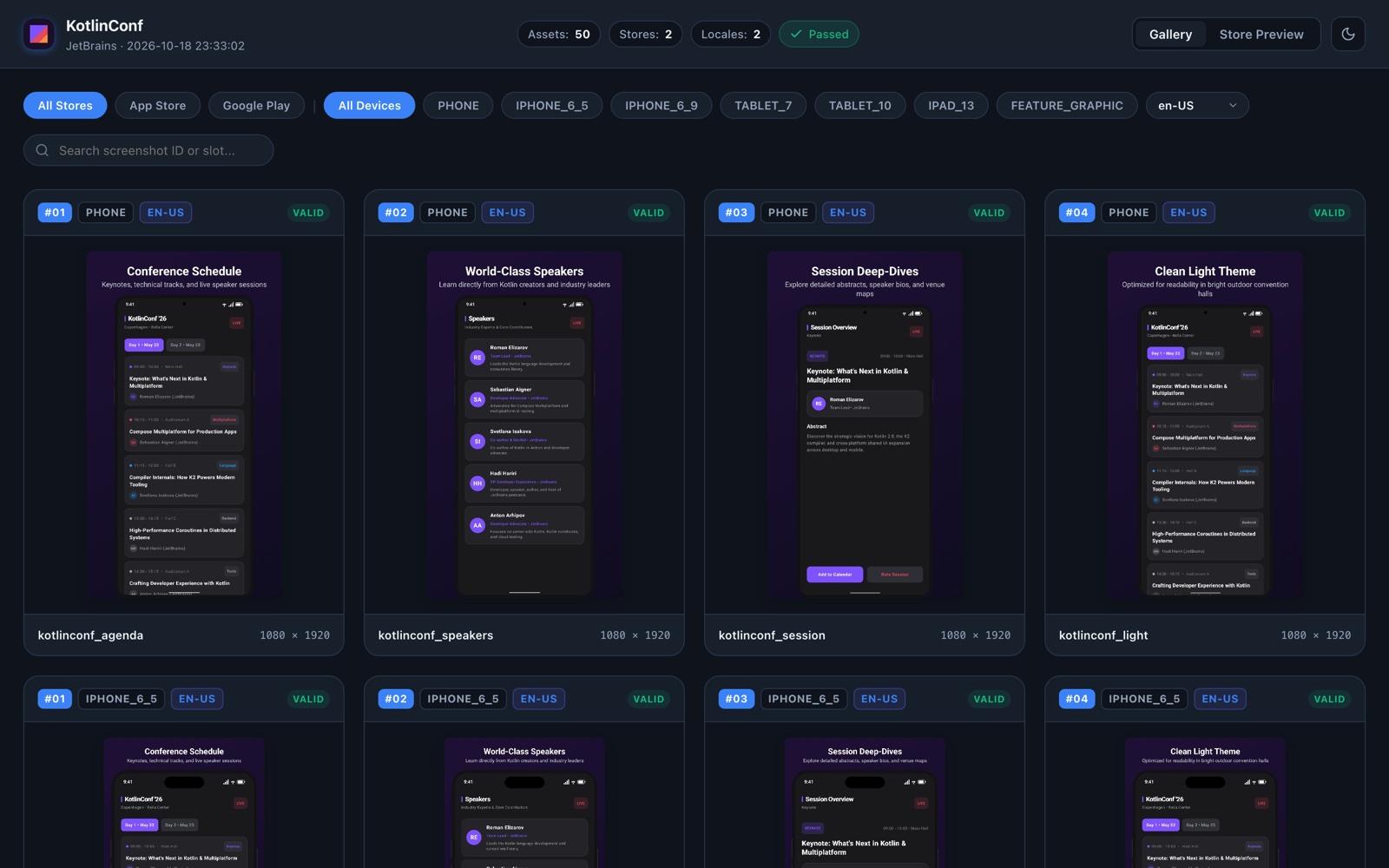
Gallery
Every exported image, grouped by store, locale and device, with filters and full-size viewing.
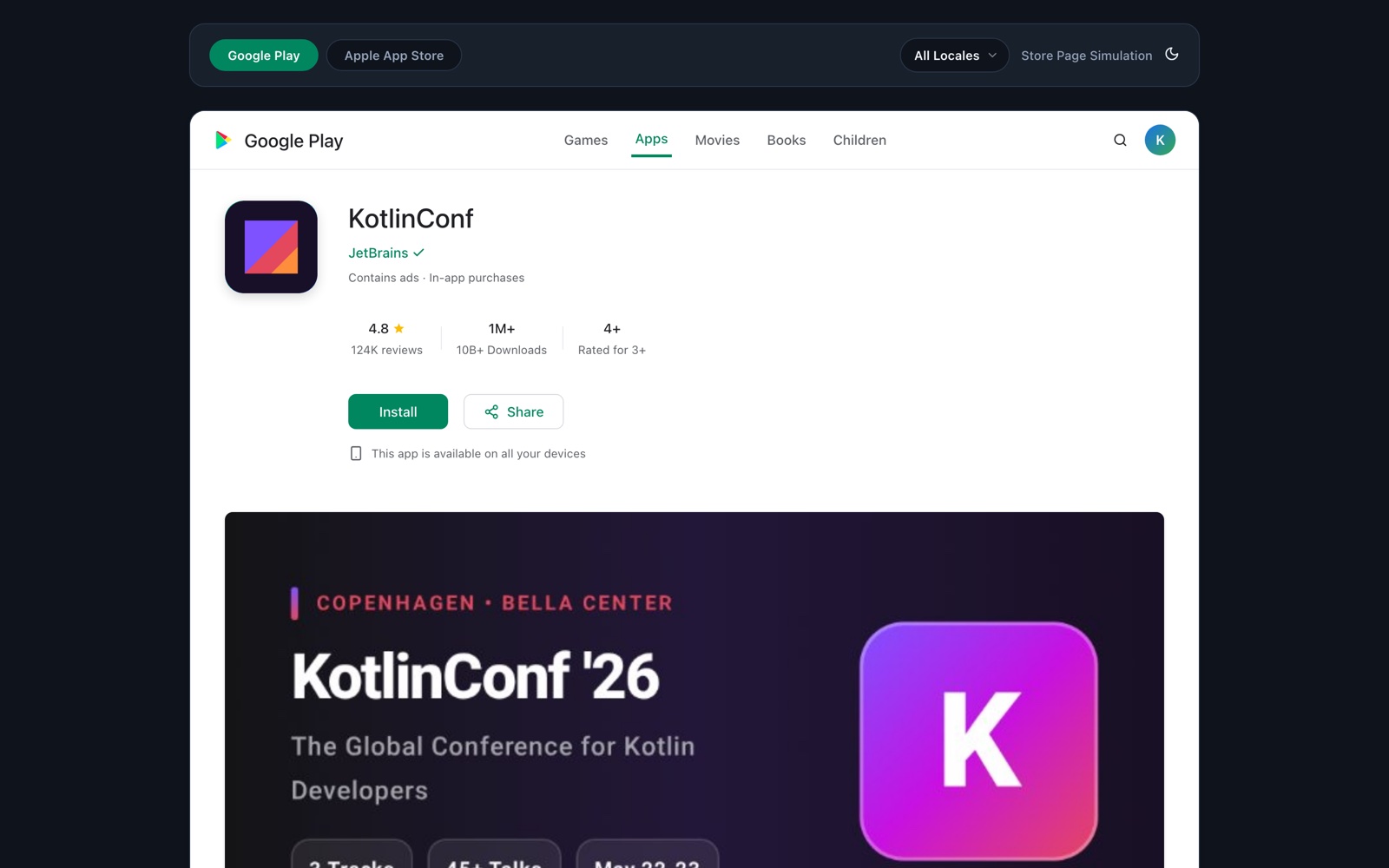
Store listing preview
A simulation of the Google Play and App Store listing pages, using your exported images, the
metadata text, and the app name, developer, category and icon from reports { }.
Switch between stores and locales to see what users will see.
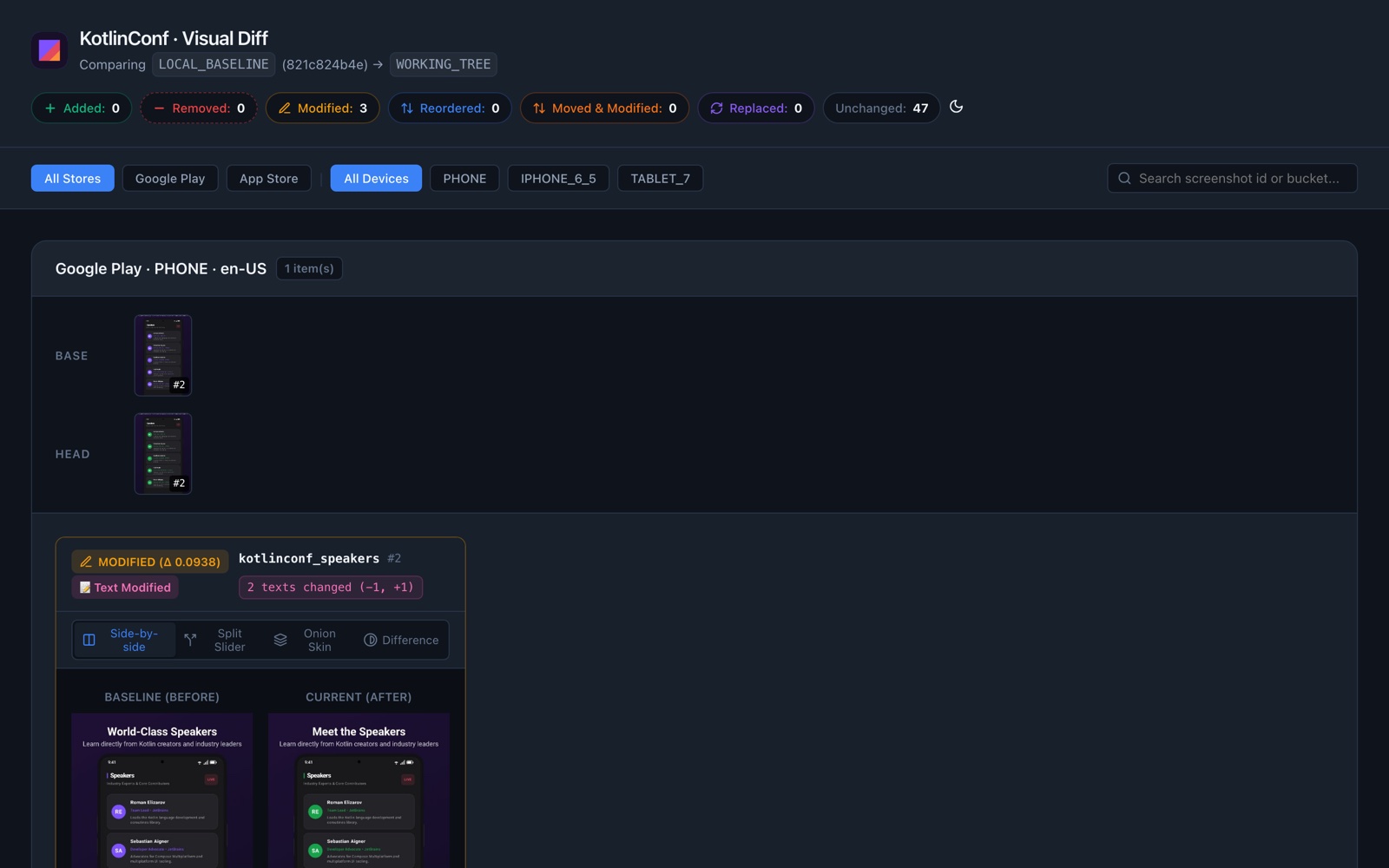
Visual diff
Configuration
storeStudio {
    reports {
        appName.set("KotlinConf")
        developerName.set("JetBrains")
        category.set("Events")

        imageMode.set(ReportImageMode.THUMBNAIL)
        maxThumbnailDimension.set(720)
        thumbnailQuality.set(0.85f)
    }
}
imageMode |
Images in the report | Use when |
|---|---|---|
THUMBNAIL (default) |
Downscaled JPEGs embedded in the file | Sharing the file or uploading it as a CI artifact. |
FULL |
Original PNGs embedded | You need pixel-exact images in a single file. Files get large. |
LINK |
Relative links to build/store/export/ |
Viewing locally; smallest file. |
The app icon comes from icons { }.