IDE Plugin
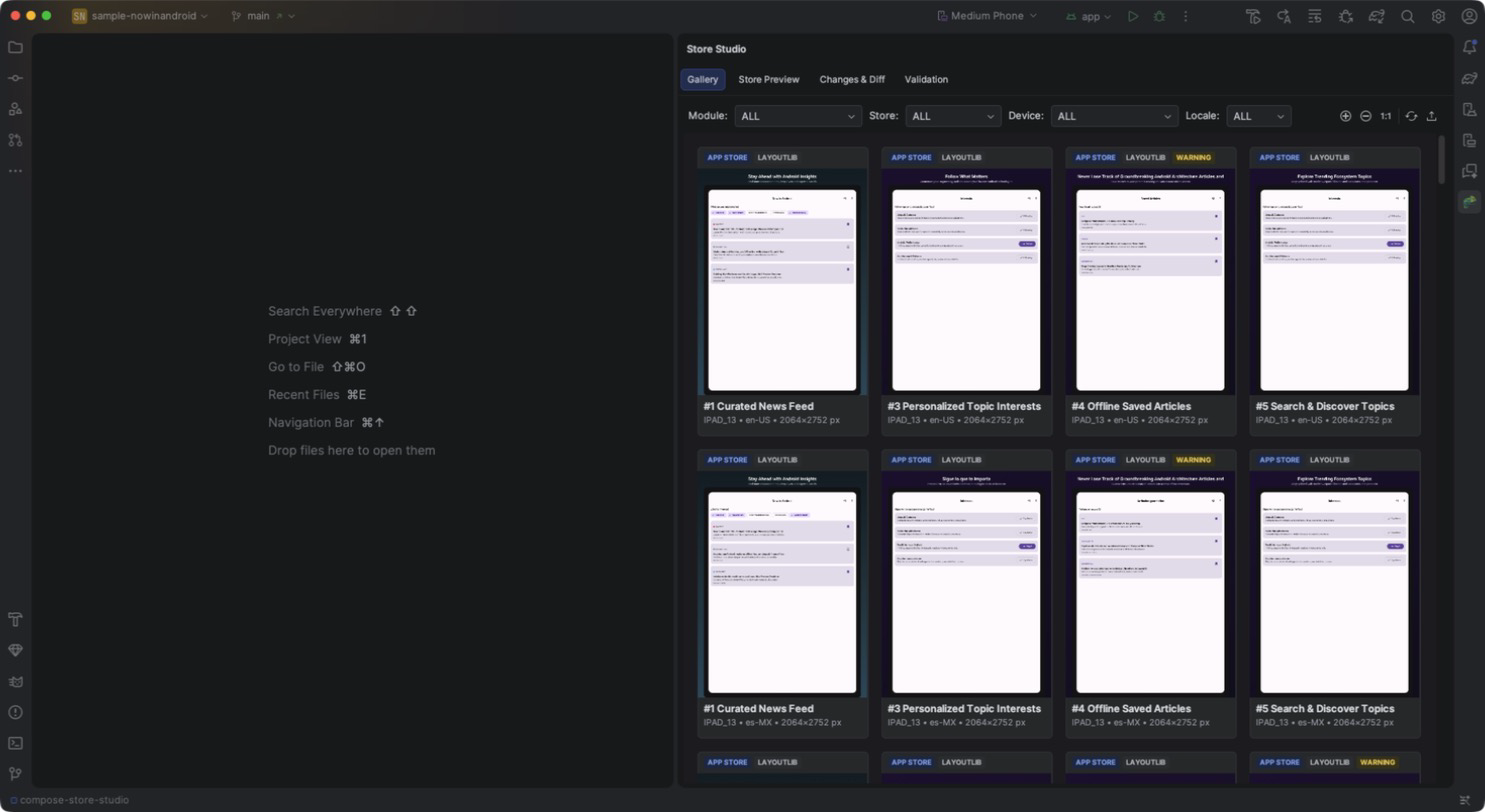
The Chameleon Store Studio plugin for Android Studio and IntelliJ IDEA adds a Store Studio tool window that shows the artifacts generated by the Gradle plugin, right next to your code.
Installation
JetBrains Marketplace: coming soon
Install the plugin from disk until it's listed on the Marketplace.
- Download
store-studio-idea-<version>.zipfrom the GitHub releases. - Open Settings → Plugins, click the gear icon and choose Install Plugin from Disk….
- Select the zip and restart the IDE.
Requires Android Studio or IntelliJ IDEA 2024.2 or newer.
How it works
The plugin doesn't render anything itself: it reads the files in each module's build/store/
directory (export index, validation report, diff, metadata) and runs the Gradle tasks for you when
you click a toolbar action. Anything you generate from the command line or CI shows up in the IDE,
and the other way around.
When a Gradle build finishes, the tool window reloads automatically (configurable in Settings).
Tabs
| Tab | What it shows |
|---|---|
| Gallery | Every exported image, filtered by module, store, device and locale. |
| Store Preview | A simulated Google Play or App Store listing page. |
| Changes & Diff | Visual and text changes against the base branch or a baseline. |
| Validation | Store rule findings, with jumps to the source. |
The toolbar also has Refresh, actions to run storeExport, storeValidate and storeDiff, and
Publish…, which opens the Publish dialog.
First run
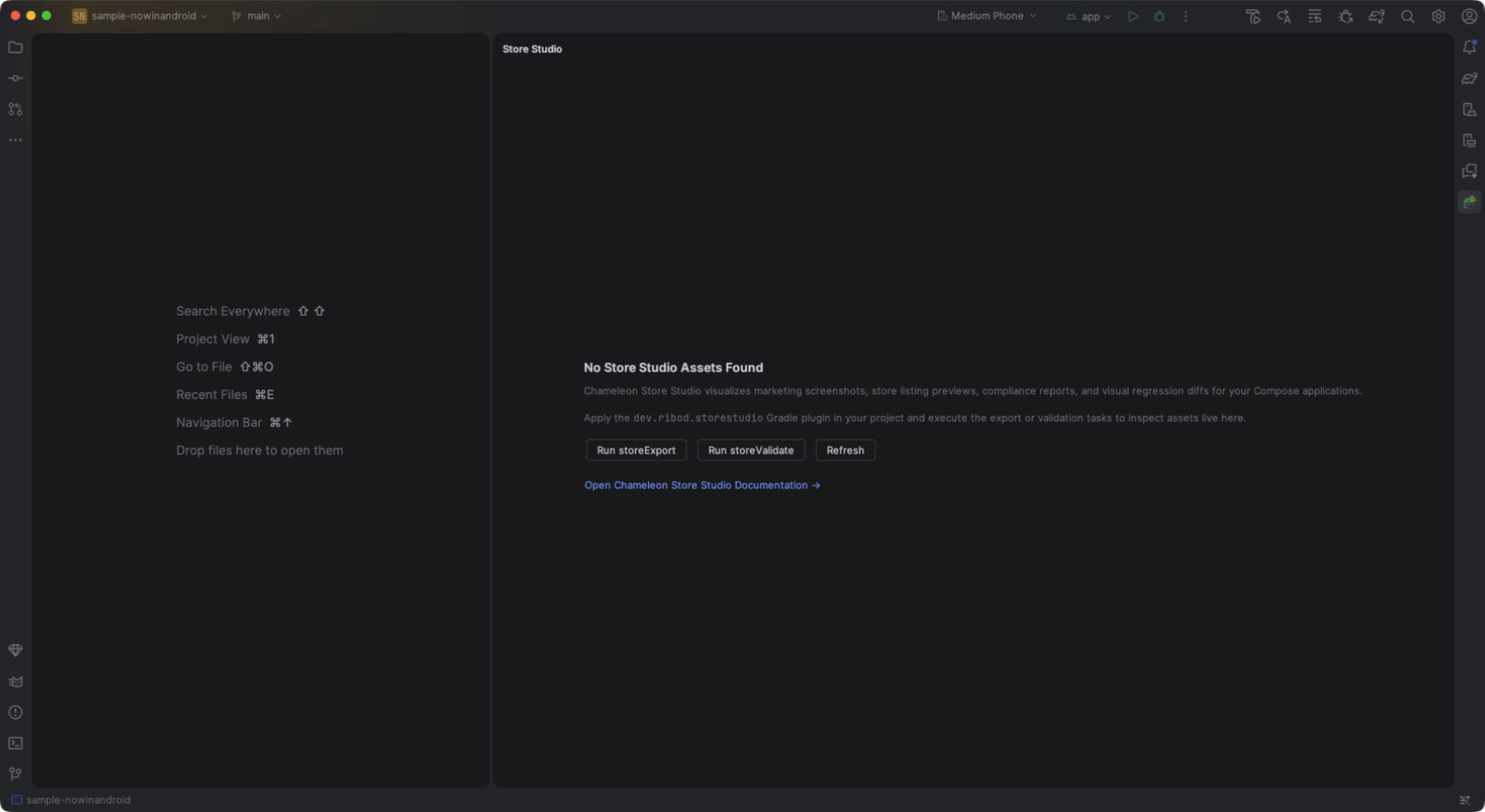
If no module has generated assets yet, the tool window shows a short setup guide: apply the
dev.ribod.storestudio plugin and run the export.